Steel erection — Level 2
Issued
Illustrative interface — example data
- Operative A Steel fixer Signed 07:46
- Operative B Steel fixer Acknowledged 07:52
- Operative C Banksman Viewed 08:04
- Operative D Plant operator Issued 07:31
Site control board / Live record
Built Still helps construction and trades businesses manage RAMS, toolbox talks, inspection checklists, incident records, photo evidence and digital sign-off through practical mobile-first site workflows.
Illustrative interface — example data
Steel erection — Level 2
2 acknowledgements outstanding
Manual handling
8 signed
Weekly site check
3 items require attention
Near miss — loading area
Follow-up action assigned
Attached to inspection
Daily record closed
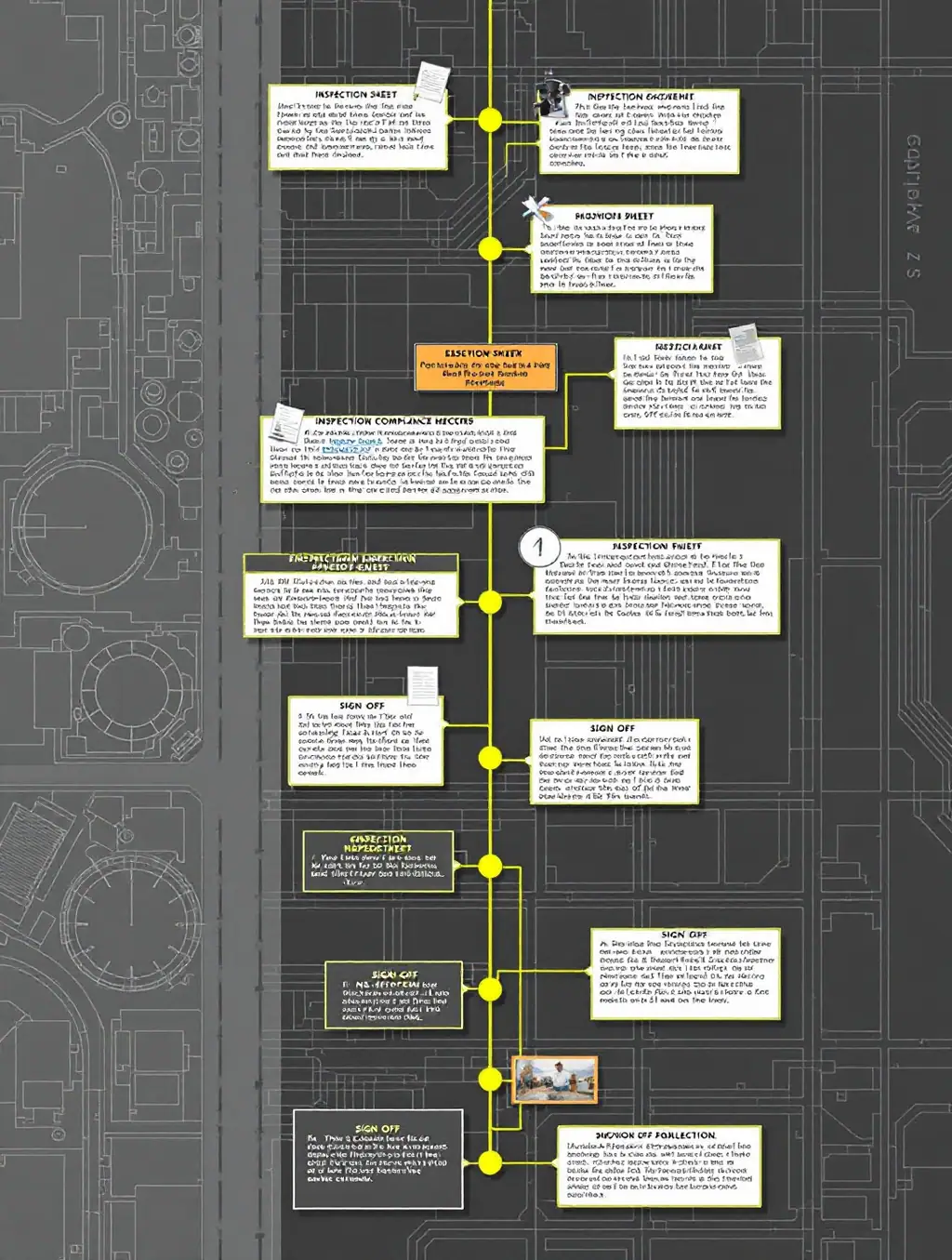
Sheet 01 / Site activity to site record
Every stage below is a point where information usually gets written on paper, remembered, or lost. Built Still is built around keeping that sequence intact.
Actual task occurs
The activity happens on site, at the point of work, in real conditions.
Appropriate site check
The relevant check or record for that activity is opened on a mobile device.
Information & evidence
Details, notes and photographs are captured while the work is still in front of you.
Reviewed by the relevant person
The relevant person reviews or acknowledges what has been issued to them.
Digital sign-off where configured
A digital sign-off is recorded where that step is part of the configured workflow.
Structured record retained
The completed record is retained in a consistent, retrievable structure.
Sheet 02 / One field system
RAMS, talks, checks, incidents, photographs and sign-off usually live in six different places. Built Still is designed so they share one structure, one record and one place to look.
Sheet 03 / RAMS
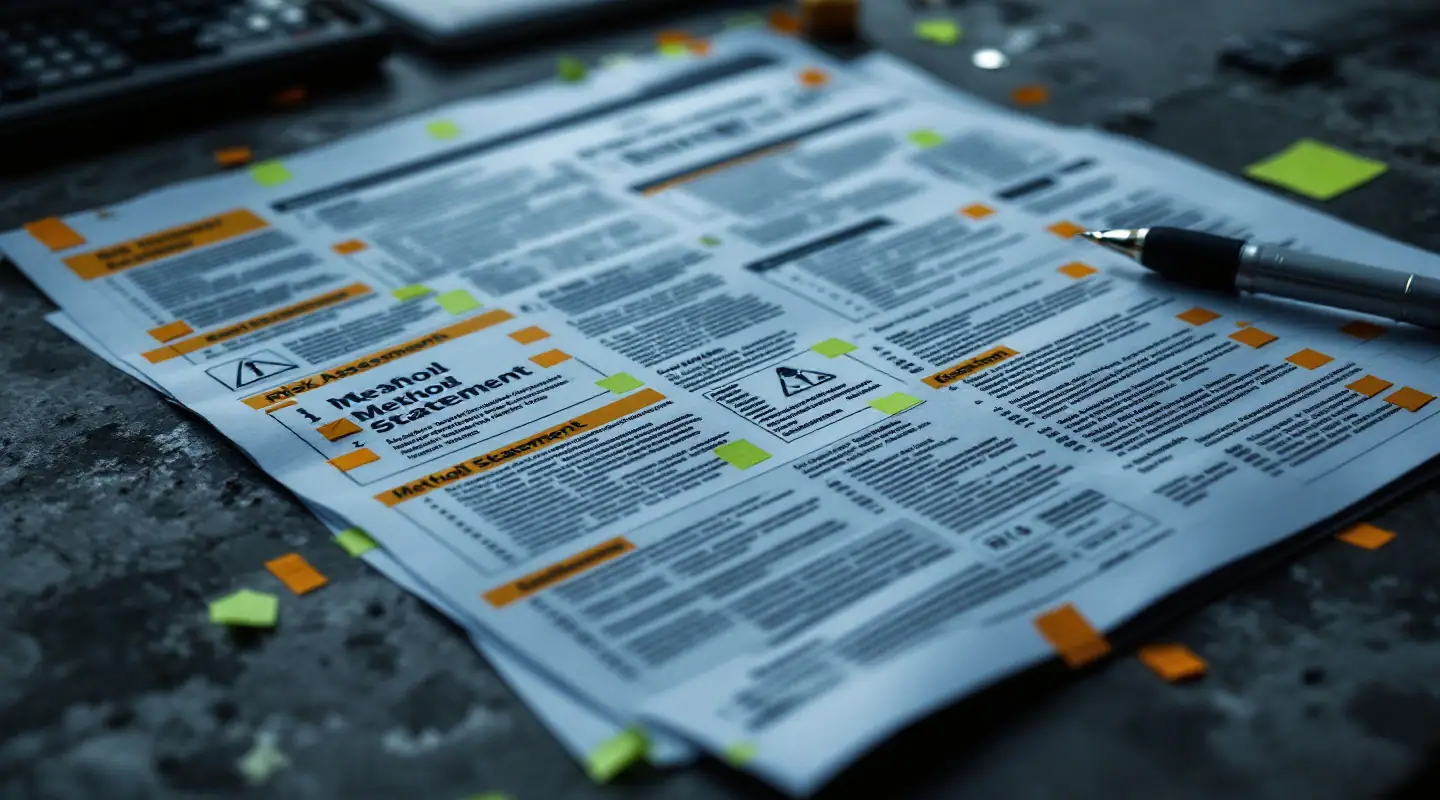
A method statement sitting in an office folder is not reaching the operative on Level 2. Built Still is designed to move that document to the people carrying out the task, and to keep a record of who acknowledged it.
RAMS workflow
Illustrative interface — example data

Signature
Conceptual product view
Sheet 04 / Toolbox talks
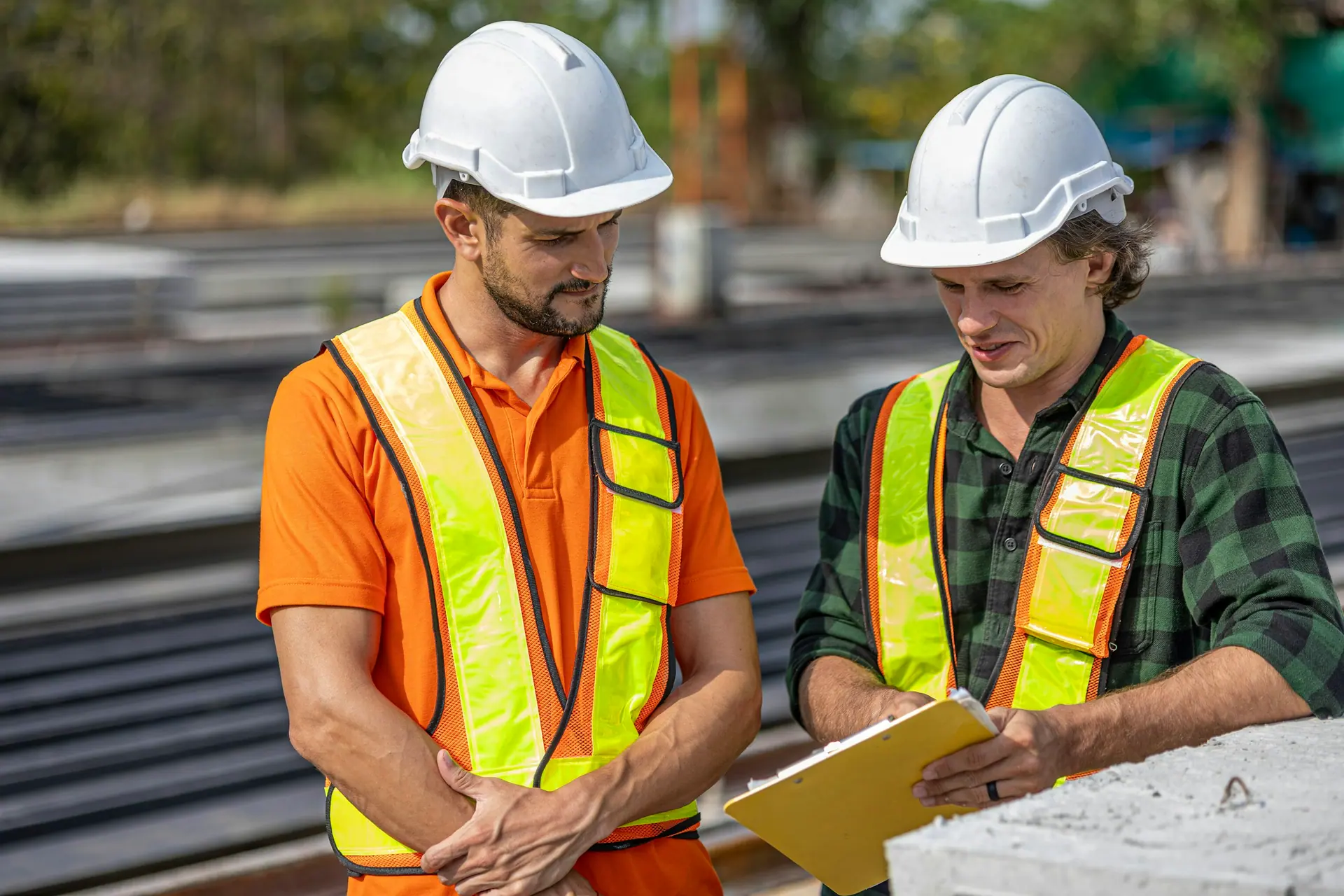
The talk happens at seven in the morning in the car park. The sign-in sheet ends up in a van. Built Still is designed so the topic, the attendance and the acknowledgement stay attached to the same record.
Toolbox talk workflow
Sheet 05 / Site inspections
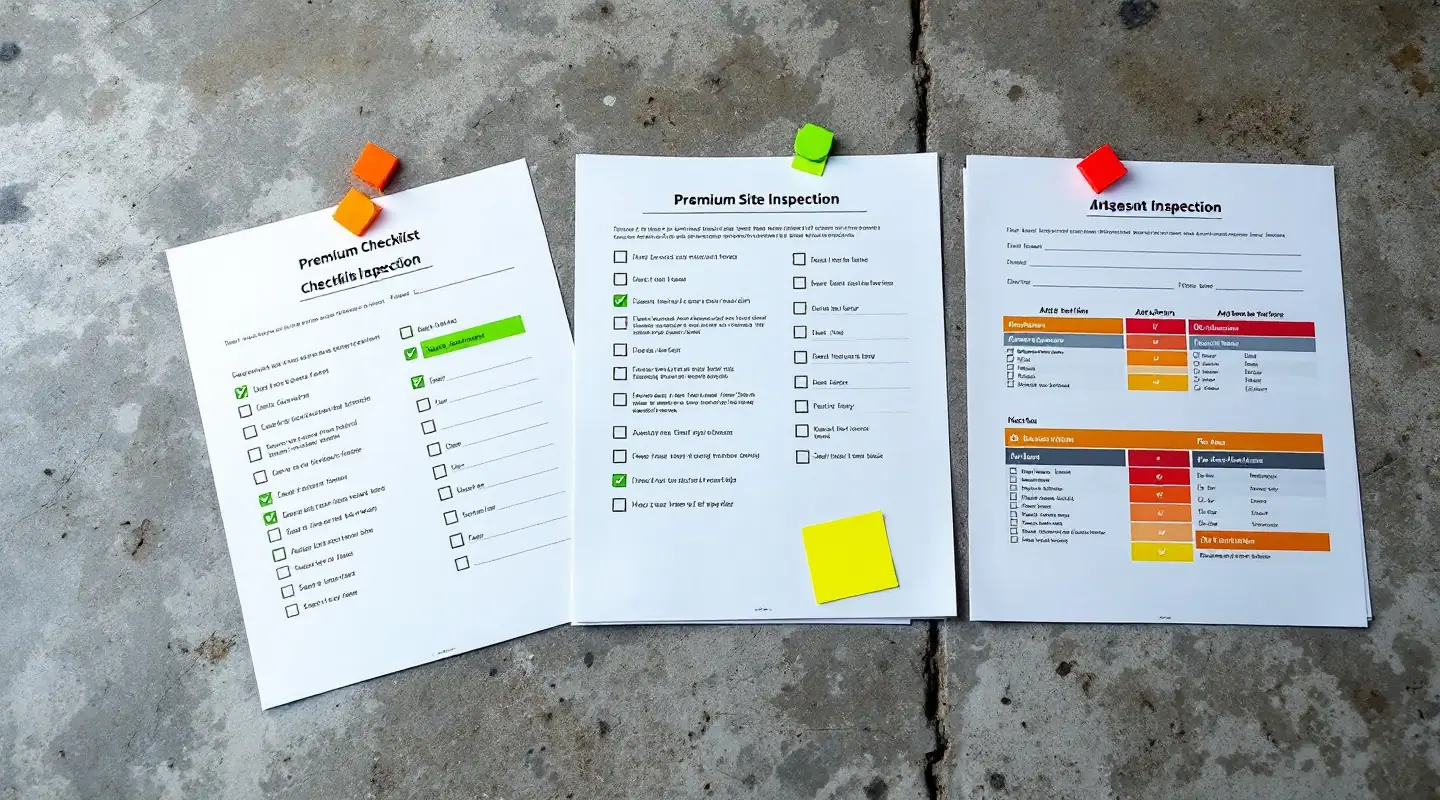
The same walk-round, done weekly, written differently every time. A repeatable checklist produces records you can actually compare, search and follow up.
Weekly site check
Check INS-1140Illustrative interface — example data
| Item | Status | Comment | Evidence |
|---|---|---|---|
| Access | Pass | — | — |
| Housekeeping | Attention | Material stacked in walkway | 2 photos |
| PPE | Pass | — | — |
| Work area | Issue | Edge protection to be reinstated | 1 photo |
| Equipment | Pass | — | — |
| Documentation | N/A | Not applicable to this visit | — |
Comments · Evidence · Follow-up · Completion · Sign-off
Sheet 06 / Photo evidence
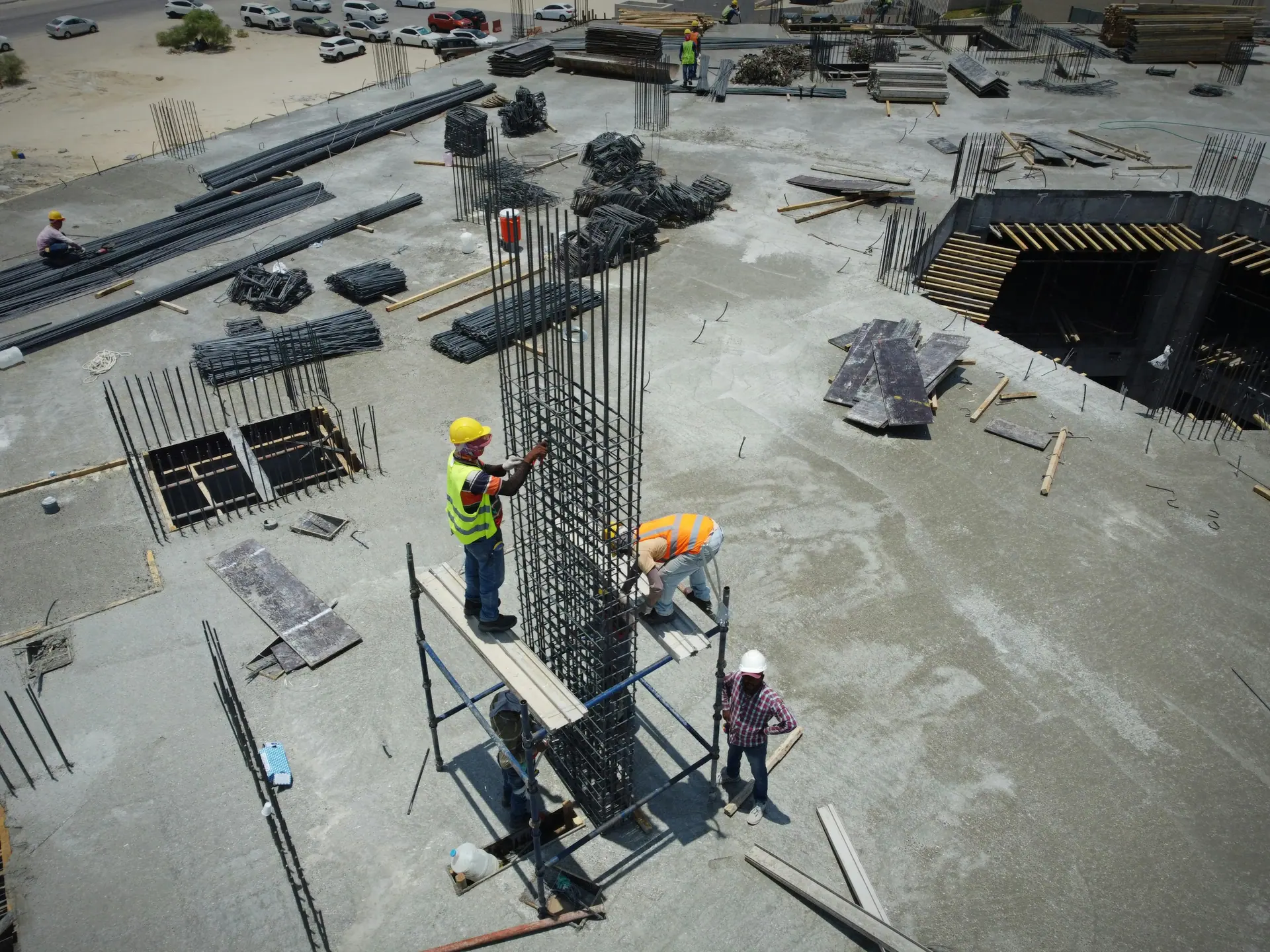
A photograph on someone's camera roll is not a record. A photograph attached to a specific inspection item, with a note and a time, is one.

Sheet 07 / Incident logging
Detail fades within the hour. A structured entry captured at the time gives the business something consistent to review, act on and retain.

Incident record
Log INC-0031Example data — not real site information
Sheet 08 / Digital sign-off
Who was issued with it, who opened it, who acknowledged it and who signed. Four states, recorded consistently, rather than a signature sheet nobody can find.
Illustrative interface — example data
| Person | Document | Date | Status | Signature |
|---|---|---|---|---|
| Person A | RAMS — Steel erection | Example date | Signed | |
| Person B | RAMS — Steel erection | Example date | Acknowledged | Not signed |
| Person C | Toolbox talk — Manual handling | Example date | Signed | |
| Person D | Weekly site check | Example date | Viewed | Not signed |
| Person E | Weekly site check | Example date | Issued | Not signed |
Sheet 09 / Site evidence timeline
This is what a structured day looks like when the record is captured as the work happens rather than reconstructed on a Friday afternoon.
Illustrative interface — example data
Method statement issued to the working party.
Acknowledgement recorded against the document.
Topic, attendance and acknowledgement stored together.
Repeat checklist completed; three items flagged.
Photographs associated with the flagged items.
Follow-up action progressed and noted.
The day’s record retained in a consistent structure.
Sheet 10 / Field use
Site software fails when it is designed for a desk. These are the design principles Built Still is built around — how the interface behaves, not claims about what your device can do.
Controls sized for gloved hands and awkward positions, not office mice.
Short, obvious steps rather than long forms that get abandoned halfway.
Consistent fields so two people recording the same thing produce comparable records.
The quickest route from noticing something to having it written down.
Photographs taken against the record they belong to, not separately.
What is outstanding, what needs attention and what is done, stated in words.
Organised around what is happening on site rather than around an admin menu.
Less to re-key later, because it was captured properly the first time.
Open items
Add photo
Attach to item 04
Conceptual product view
Sheet 11 / Construction & trades
Built Still is designed for construction and trade businesses requiring structured field compliance records.
Principal contractor and subcontractor field records across multiple work packages.
Method statement acknowledgement and structured checks for electrical work packages.
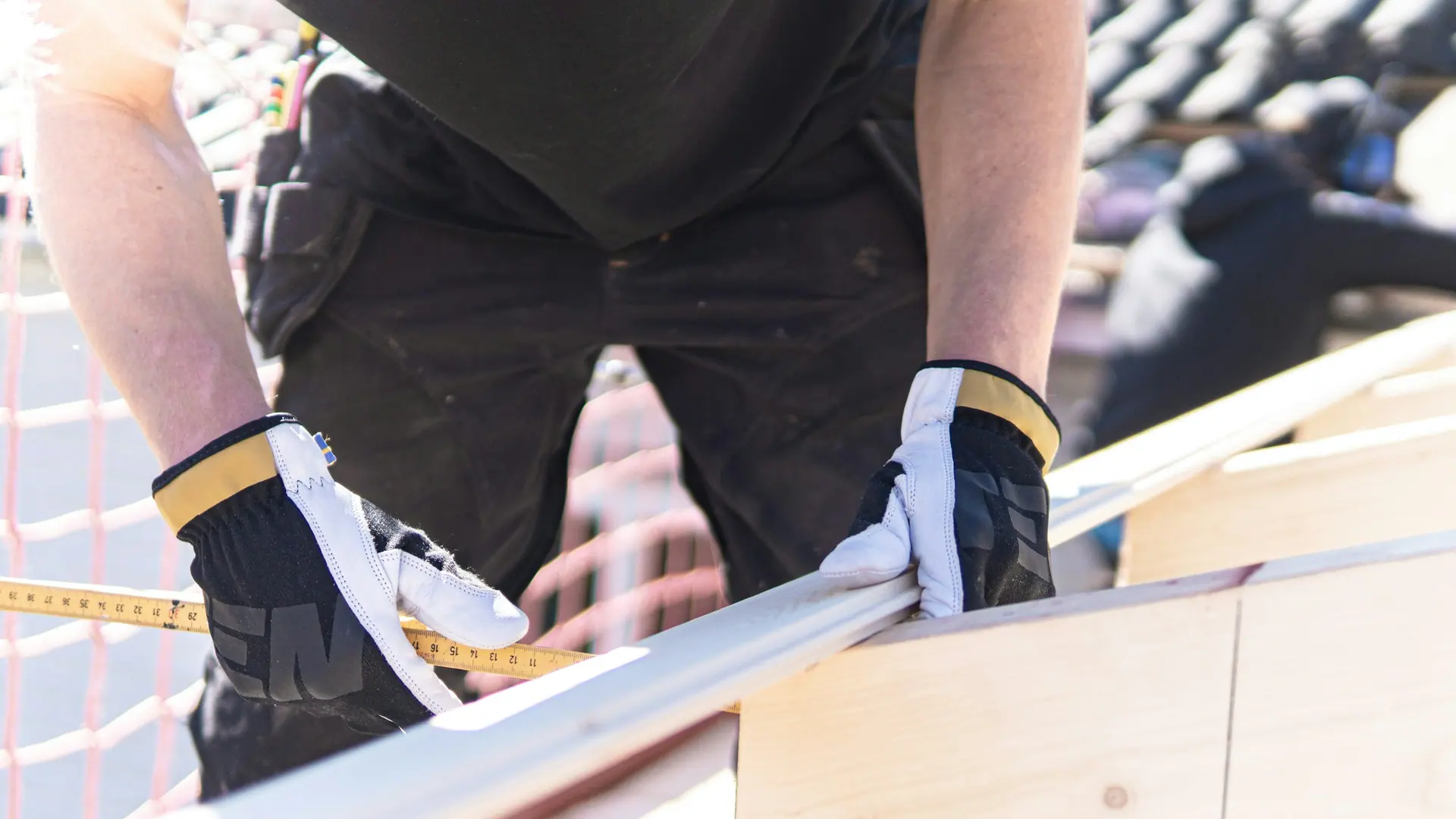
Mechanical services teams recording checks, evidence and sign-off in the field.
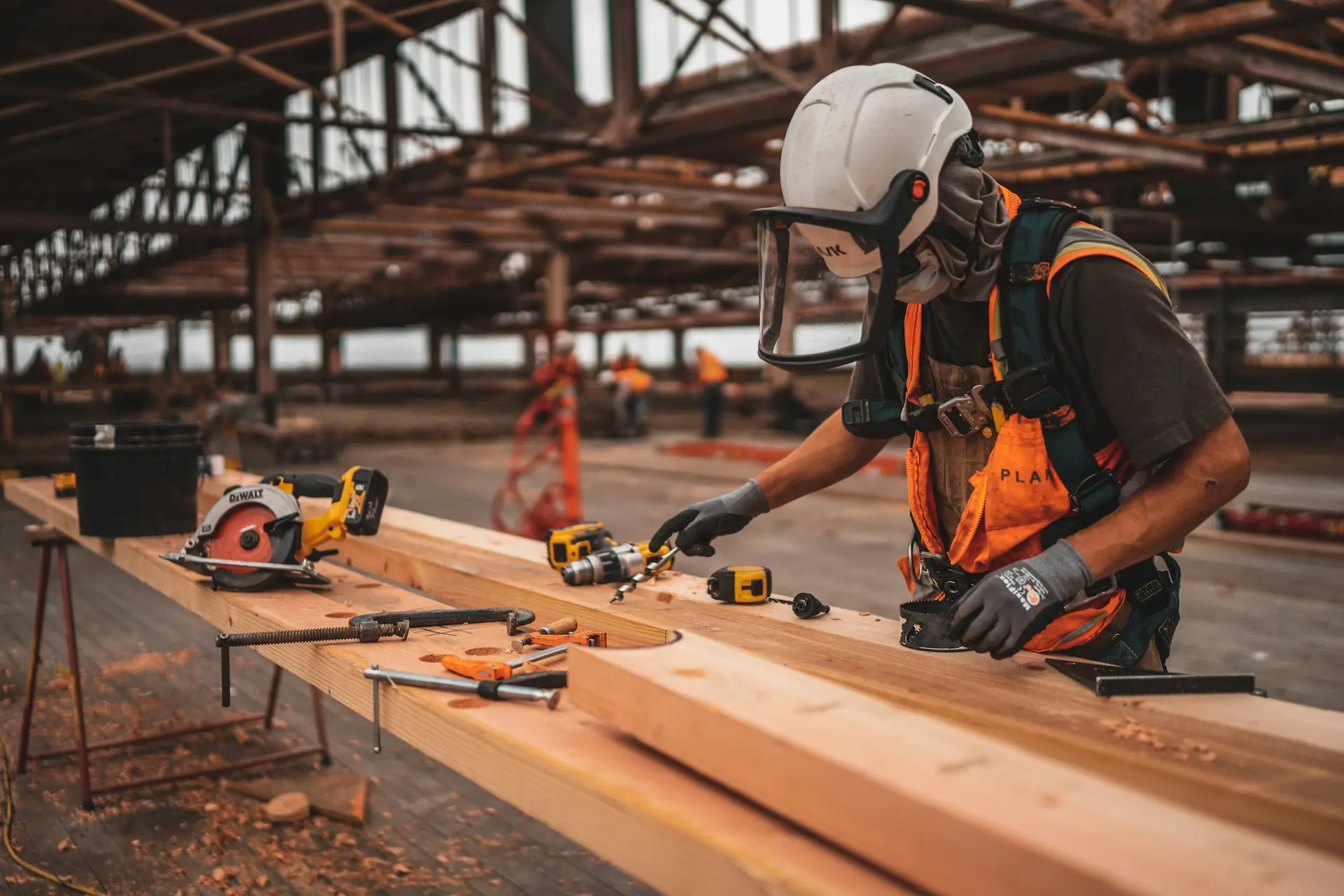
Working-at-height documentation captured against the task rather than after it.
Repeat check records, photographic evidence and acknowledgement trails.
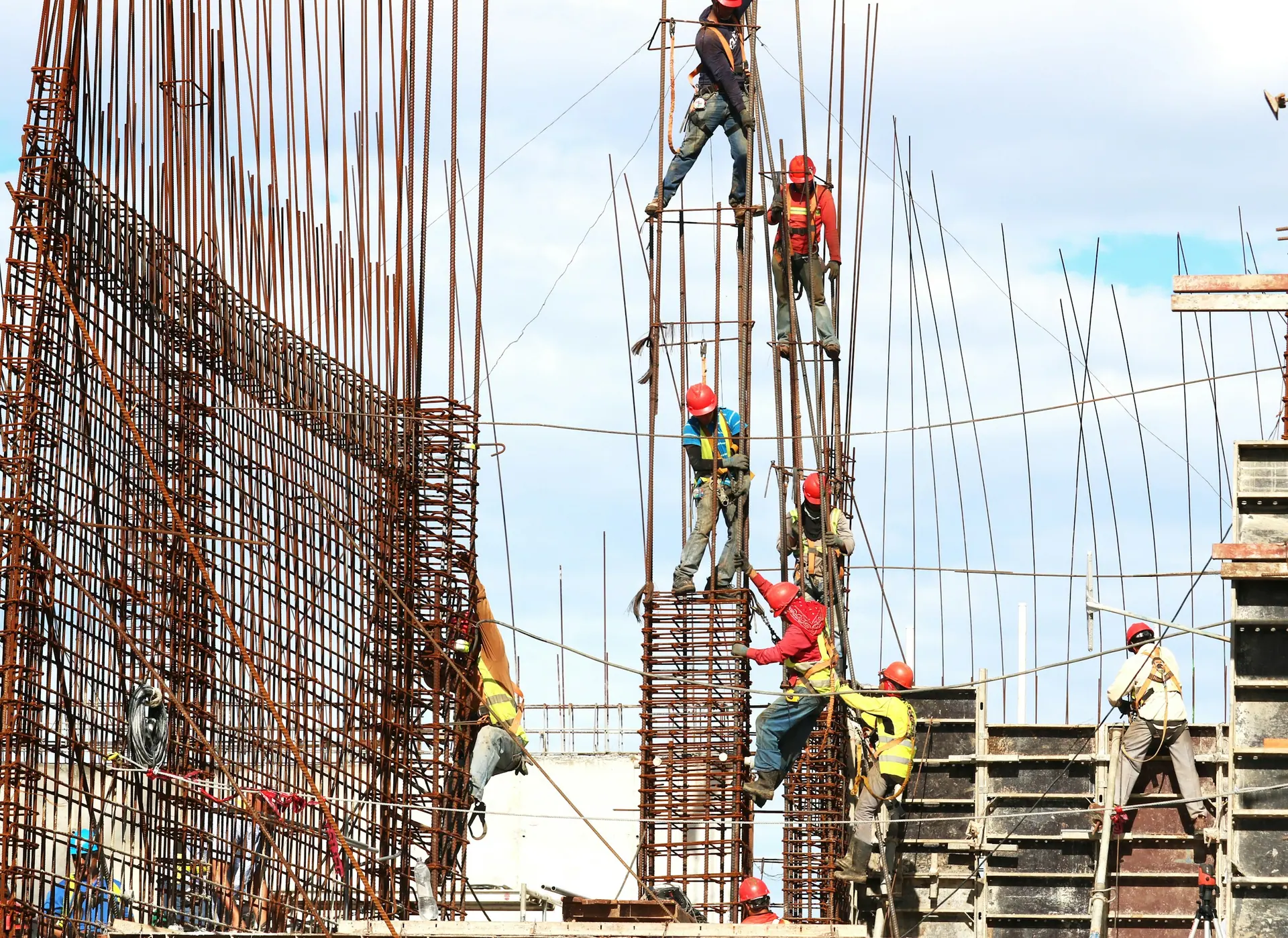
Fast-moving internal packages where paperwork usually lags behind the work.
Short-duration visits that still need a consistent, retrievable record.
Distributed operatives working across many addresses and property types.
Groundworks and infrastructure teams capturing structured checks on site.
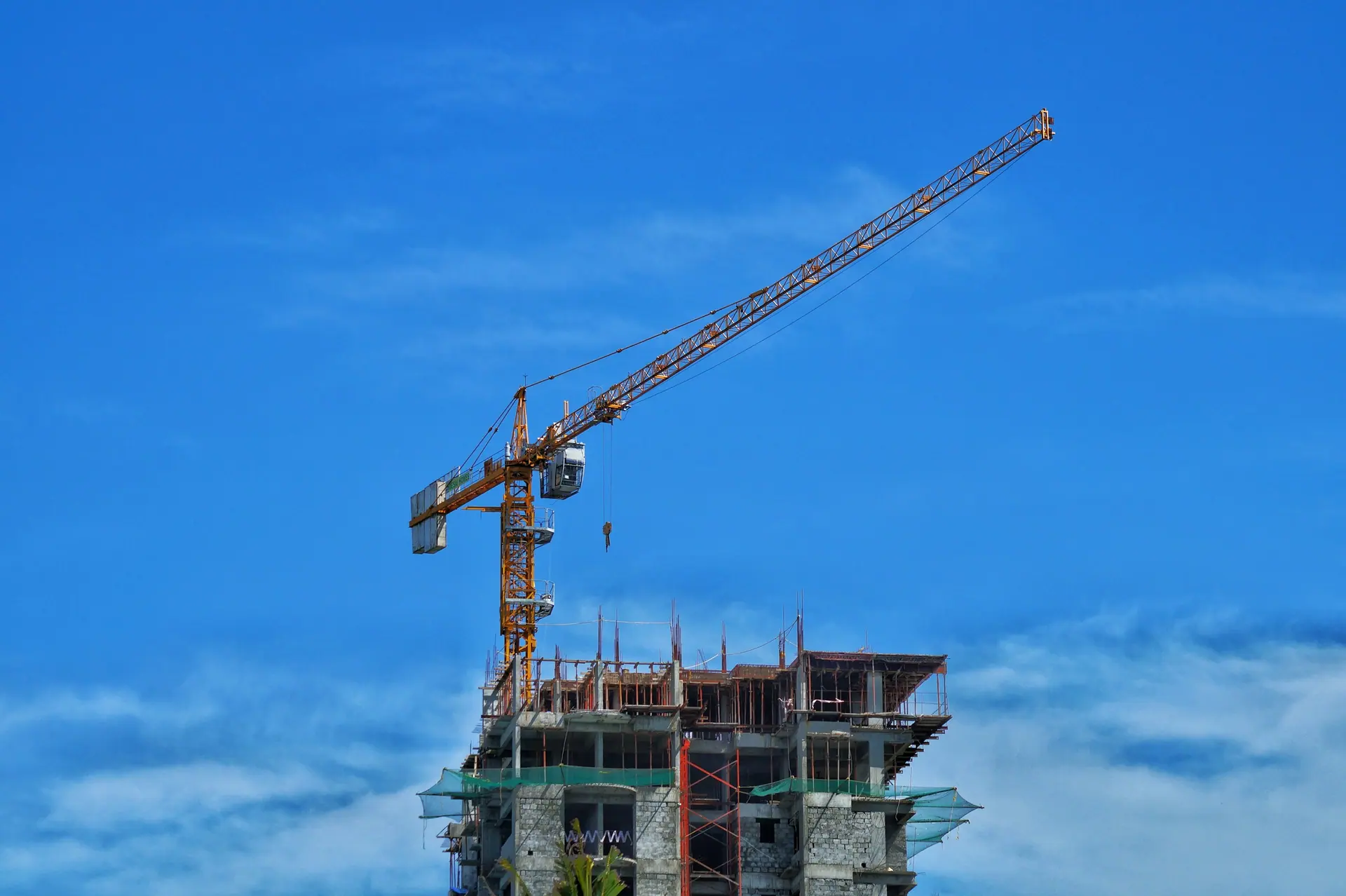
Specialist packages needing their own checklists, evidence and acknowledgement.
Sheet 12 / Manager view
The point of structured records is that somebody can look at them. A management view is about surfacing what is outstanding — not about generating charts nobody acts on.
Site 01 / Attention
Illustrative interface — example data
Open acknowledgements
2
AttentionRAMS awaiting acknowledgement
Inspections
1
AttentionCompleted with items flagged
Actions
3
AttentionFollow-ups assigned
Incidents
1
OpenRecord open
Sheet 13 / Compliance is a process
The record supports the process.
It does not replace the responsibility.
Next step
Tell us how your business currently handles RAMS, toolbox talks, inspections, incidents and site evidence.
Notice 01 / Cookies
We use essential cookies to make this website work. With your consent we would also use analytics cookies to understand how the site is used. No analytics are loaded until you accept. See our Cookie Policy.